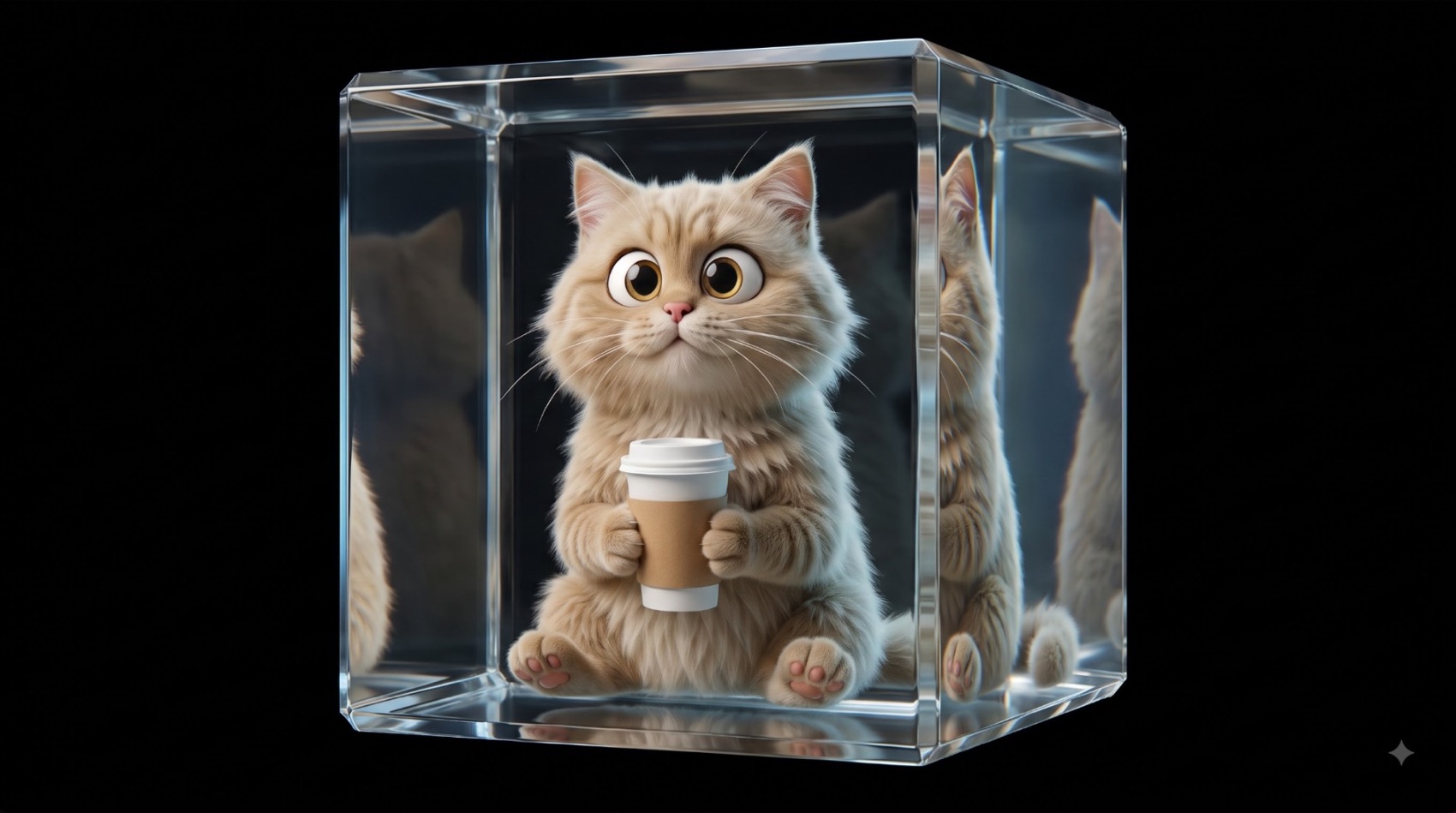
Step 1: Set the scene (Google Flow)
Upload your character reference image, then run:
Keep the character exactly as is: same pose, same fur texture, same expression, same coffee cup in its paws, do not change the character in any way. Replace only the background with a warm coffee shop backdrop: a soft gradient from deep coffee brown on the left to warm caramel orange on the right, subtle vignette, cozy ambient lighting, no visible text or objects. Match the original camera angle and the lighting already falling on the character.
Swap the background description for whatever fits your brand.
Step 2: Animate it (Google Flow)
Upload the image from Step 1, then run:
Treat the uploaded image as a strict reference. Hold the character, expression, proportions, lighting, camera angle, framing, and backdrop exactly as shown. The camera stays fully locked: no zoom, pan, rotation, reframing, or scene changes at any point.

Animate the character only. Never add a cursor, pointer, dot, insect, toy, hand, shadow, particle, or any other new element to the frame.

The character should respond as though something is drifting around it through a full 360 degrees of attention. Eyes initiate the movement, the head follows a beat later. Ears rotate subtly, the neck turns naturally, whiskers carry a light secondary motion.

Guide it to glance far left, then lower-left, then upper-left, ease back through center, then far right, lower-right, upper-right, and finally resolve into the exact starting pose. Include small holds before each direction change, a touch of natural overshoot, and smooth easing across every transition.

Body, shoulders, chest, paws, and seated posture stay nearly motionless. No stretching, facial warping, spinning, oversized rotation, breathing, or torso pumping. First and last frames must be identical so the clip scrubs cleanly frame by frame.
Generate a 4-second clip.
Step 3: Build the site (Claude)
Upload your 4-second video on Claude, then run:
Build an interactive hero section from the uploaded 4-second animation.

Use FFmpeg to pull every frame from the clip, assemble them into one horizontal sprite sheet, then write a frame-based animation system in vanilla JavaScript.

Drive the character's tracking off the mouse: map cursor position to a frame index and scrub through the sheet smoothly, with eased interpolation between frames and a graceful return to the idle pose whenever the pointer leaves the area.

Hold the original composition, keep the character centered, and make the whole interaction feel premium and responsive.