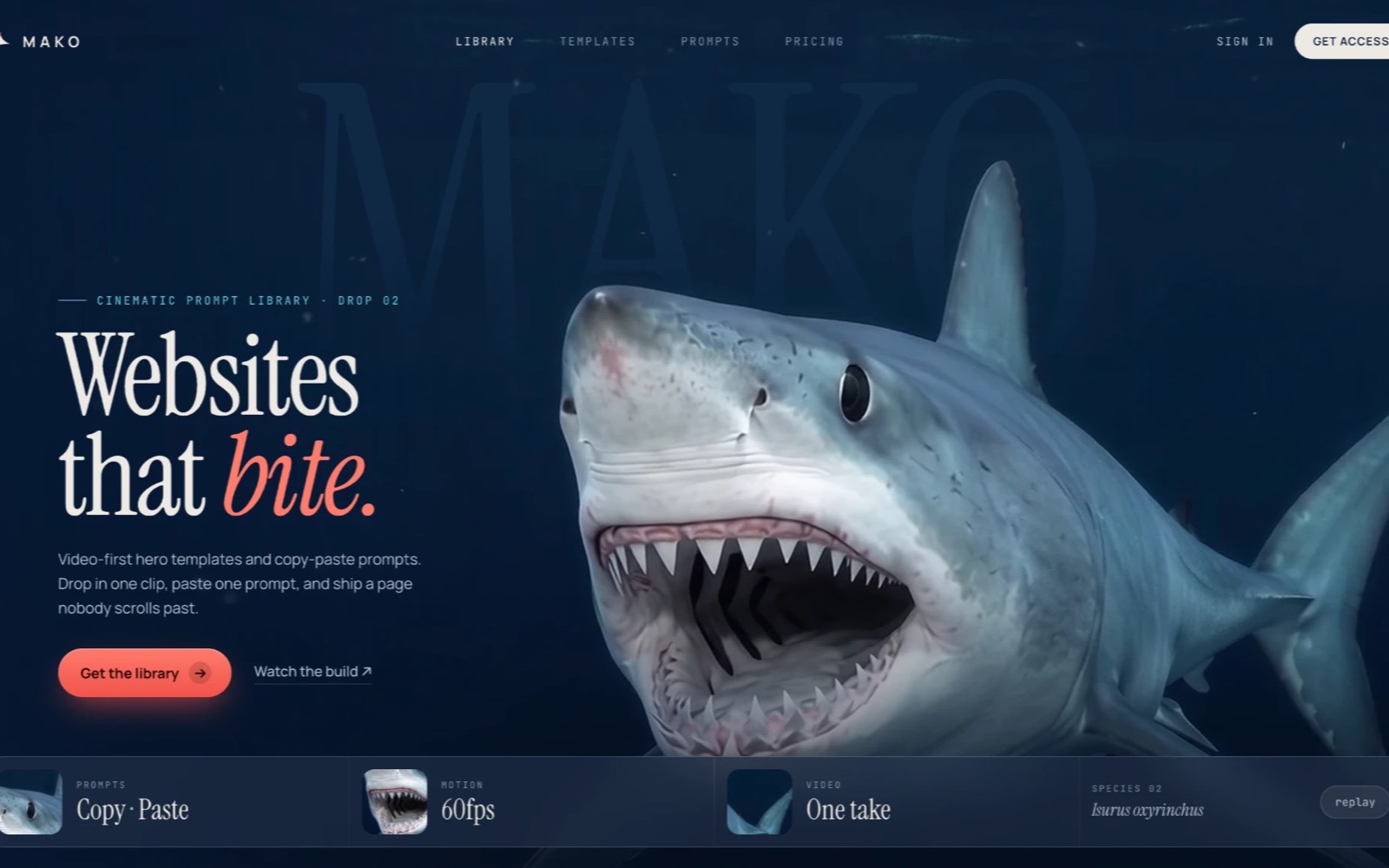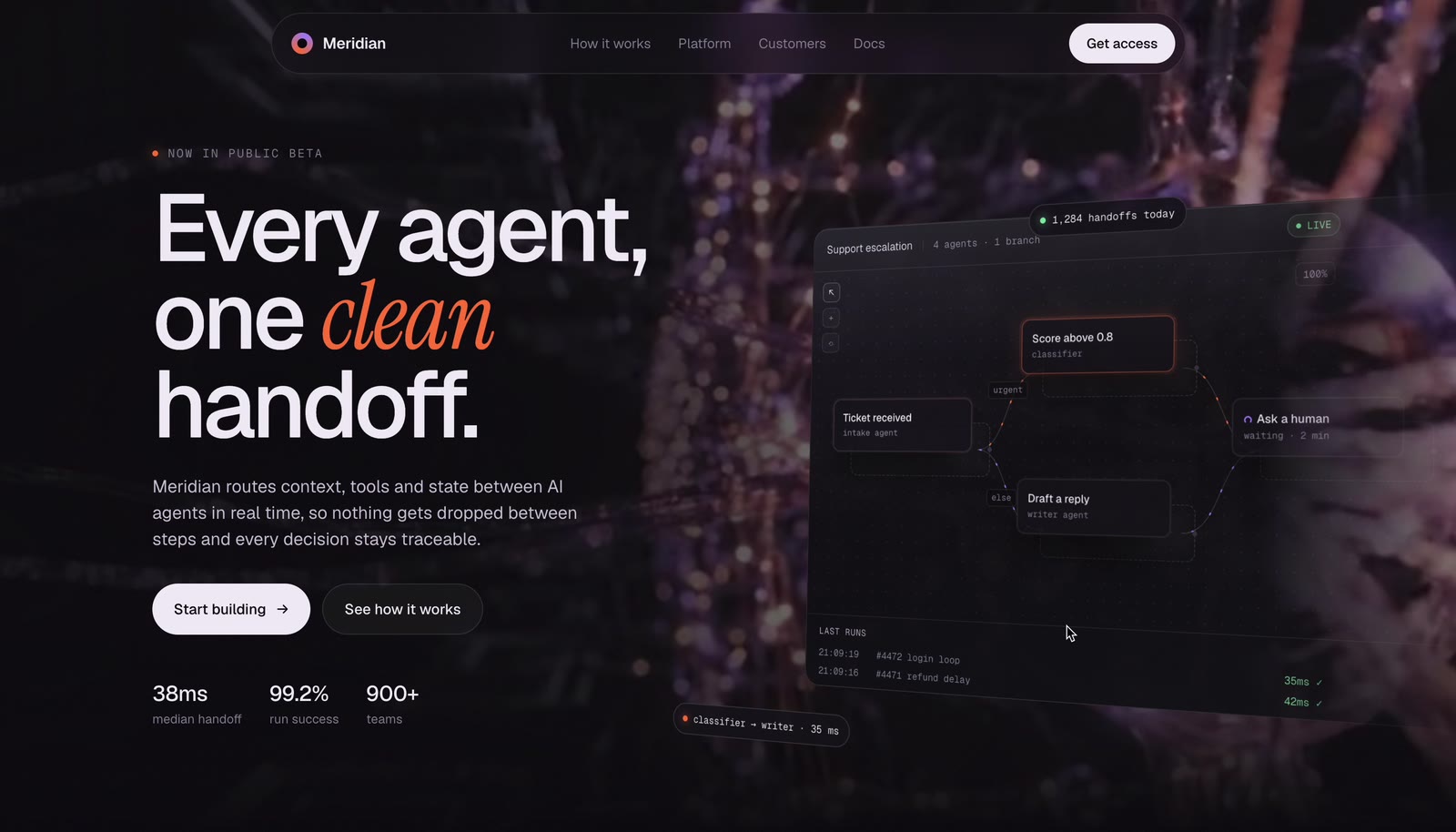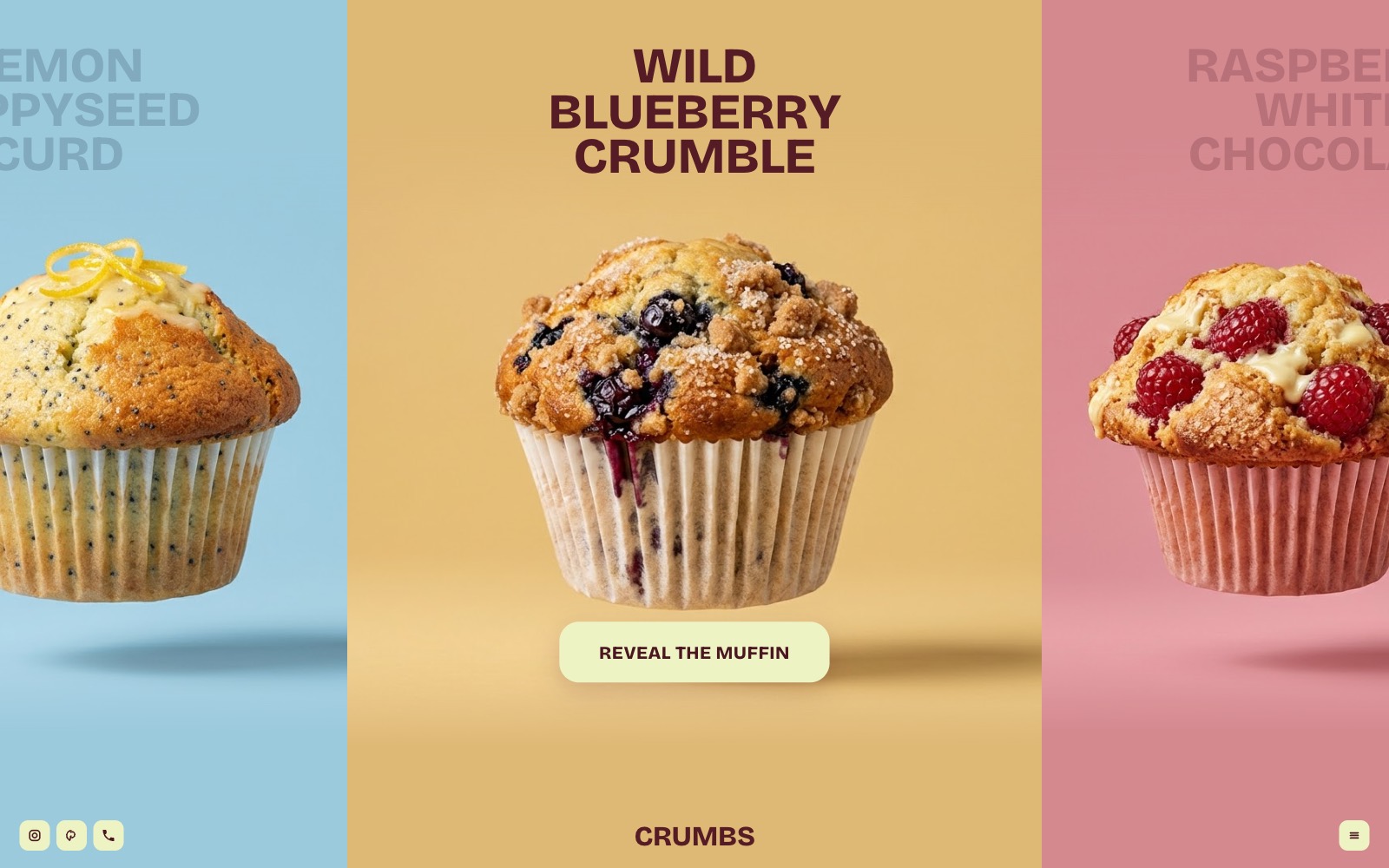
A menu that behaves like a product reveal. The carousel glides with a fast start and a long soft landing, each title darkens letter by letter when it stops, and opening a muffin cuts straight into its filling.
Download the bundle first. The prompt uses six muffin photos and one video clip, and they come in the bundle above. Unzip it, save the file your AI gives back as
index.html inside the unzipped folder, next to assets/, and open it in Chrome. Try the live build ↗ first.Most AI chat previews can't see your local files, so the photos won't show inside the chat window. That's expected. Open the saved file in Chrome instead.
The prompt
Paste this into Claude and save what it gives you next to the assets folder. Nothing to install, no server.
Make it yours
| Swap | How |
|---|---|
| Your own bakes | Replace the photos in assets/ and keep the filenames, or edit the image paths. Use 16:9 shots with the item centred at about 35% width on a flat backdrop, then set each bg to that backdrop colour. |
| Add more videos | Make an image-to-video clip that starts on the same photo (spin, then split), drop the .mp4 and .webm into assets/, set video: on that item, and set infoAt to the second the cross-section shows. |
| Menu, prices, currency | Edit ITEMS, CURRENCY and BAKER in the prompt before you paste it. Re-running the prompt is cleaner than hand-editing the output. |